Care.com Homepay

Homepay Employee & Employer Payroll App

Google PlayApp Store
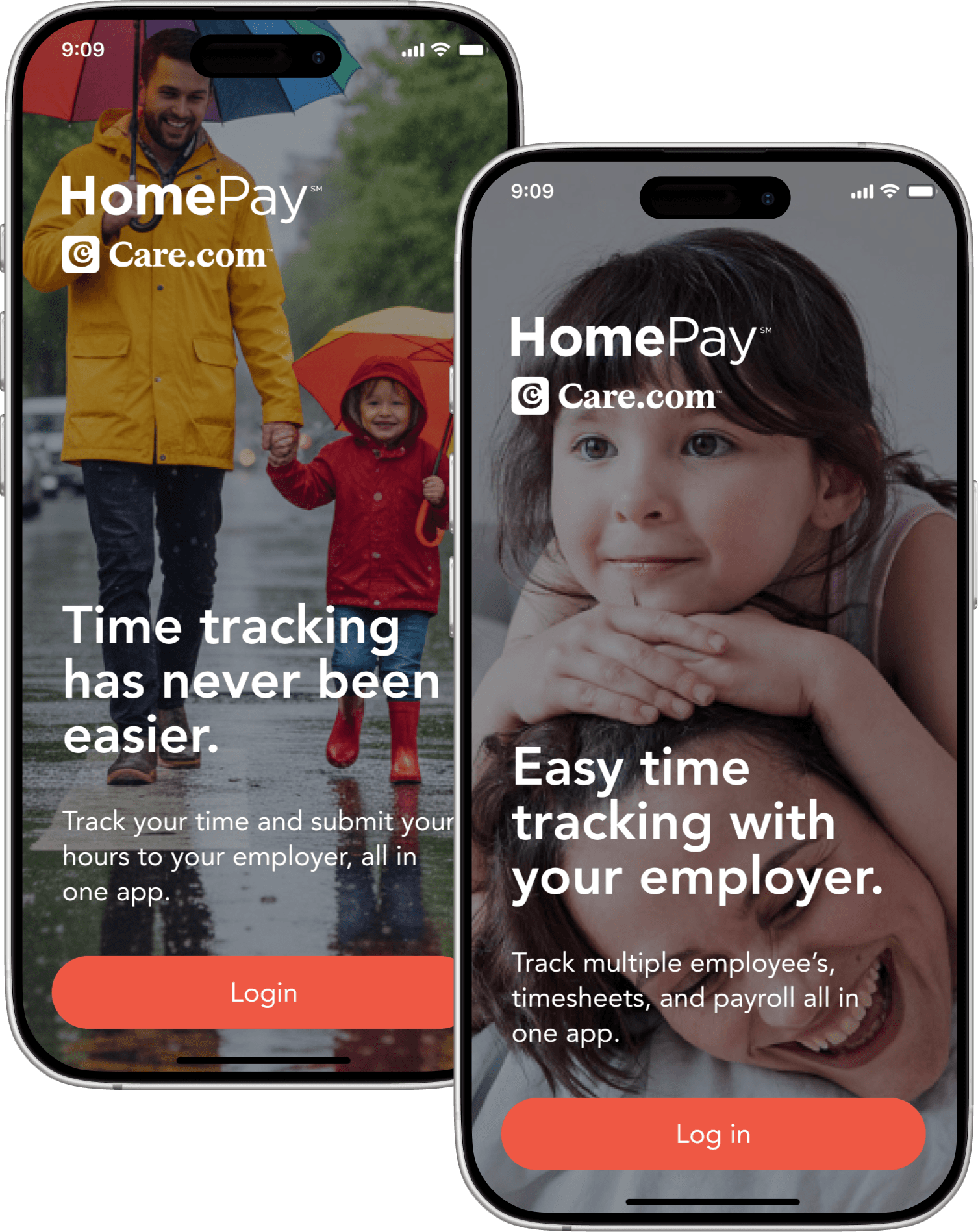
HomePay splash — Time tracking has never been easier
HomePay splash — Easy time tracking with your employer

Two people, one timesheet.

A caregiver and the family who employs her aren’t a company and a contractor — they see each other every day. Payday still has to be exact. HomePay had to serve both sides without making it awkward.

0 > 1

Hours that add themselves up.

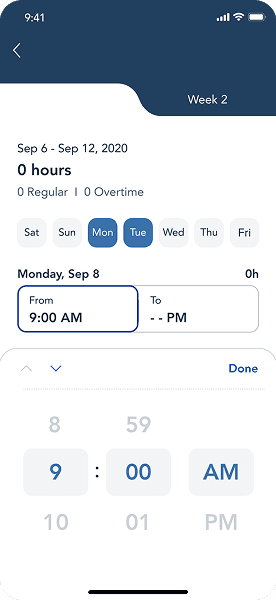
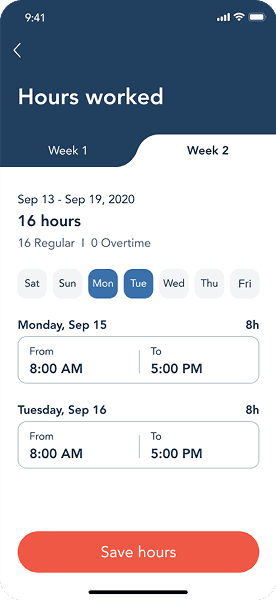
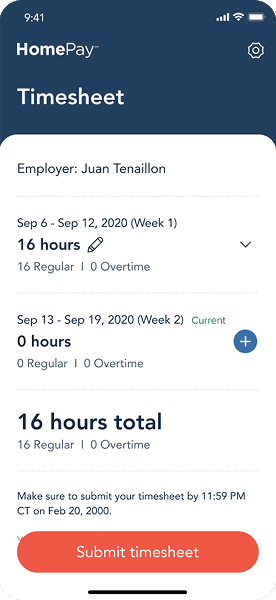
Clock in, clock out, and the week rolls up on its own — a default that keeps payroll edits down instead of asking either side to chase them. Life still happens, so every entry stays editable.

Add time — day pickerHours worked — weekly viewTimesheet — totals and submit
Caregiver using secure messaging

Secure Messaging

Messages sit next to the timesheet, so a schedule change doesn't get lost in a text thread.
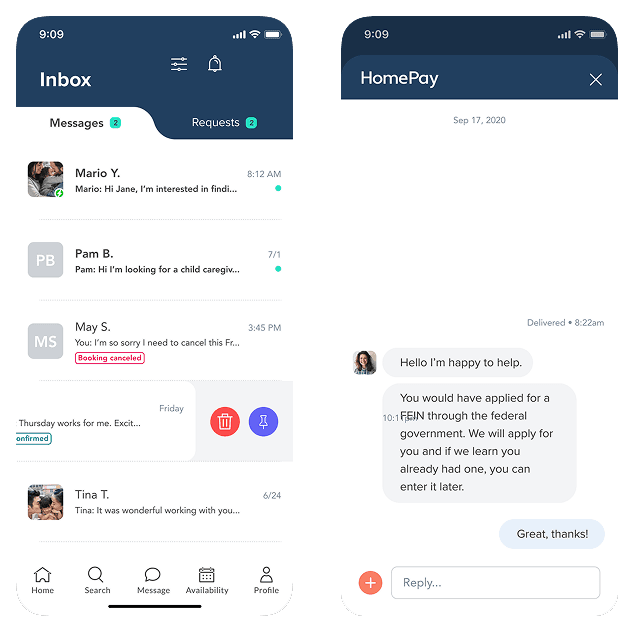
Secure messaging — inbox and conversation
Employee clocking in

Clock In and Out

Clock in, clock out. The hours are right, so the pay is right.
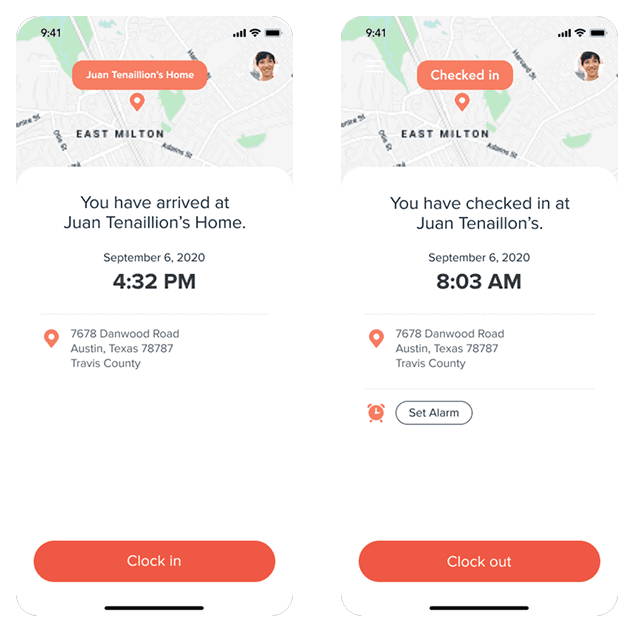
Clock in and out — map and start shift

What shipped

2 apps

One system, two mental models

0 → 1

Phone-first hour tracking

3 surfaces

Timesheets, messaging, exceptions

The Team

  • 1 Principal Product Designer
  • Brand design partners
  • Mobile engineering

Timing

  • 2020–2021

    Paired employee + employer apps

  • Phone-first

    Hours, approvals, payroll

Tools Used

  • Figma
  • Miro
  • Jira
  • UserTesting

Up next — athenahealth

athenahealth

athenahealth